
Cognitive support. Human connection.Client login ↗
How it works

Understand. Practise.
Review, together.

A guided approach to cognitive support, shaped around the person and the people supporting them.

Assessment & therapy

Our solutions

Digital cognitive assessment and guided therapy to support learning and cognitive wellness — for children and adults.

Understand your starting point

OrangeCheck

An easy-to-use, comprehensive digital cognitive assessment to identify neurocognitive strengths and areas for improvement.

  • Explore cognitive skills such as attention, memory and planning
  • Receive a clear profile of strengths and areas for improvement
  • Use the assessment report to guide a discussion about personalised support

Available in 12 languages, including English, Arabic and Hindi. Confirm assessment and reporting language before starting. An assessment profile is not a medical diagnosis.
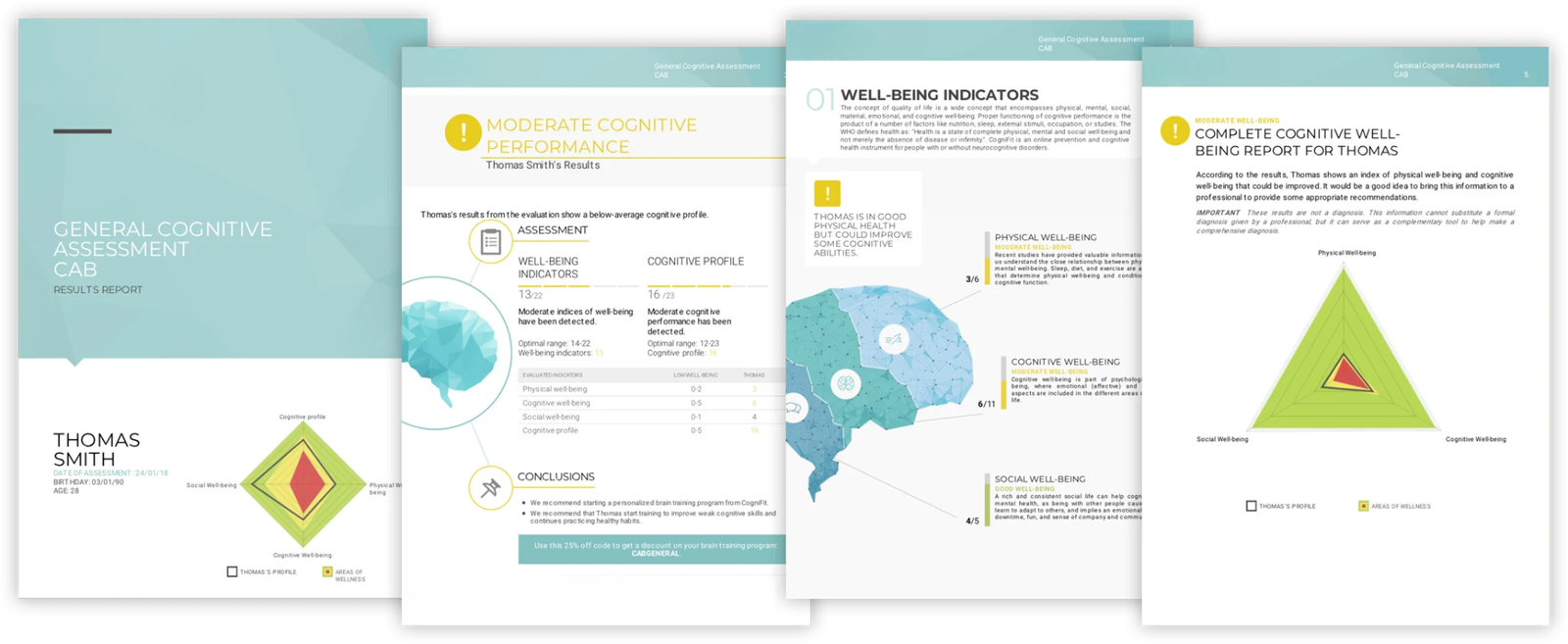
OrangeCheck cognitive assessment report examples showing skill profiles and results
Build on what you learn

ReadON Cognitive Therapy

Digital cognitive therapy for neurodiverse individuals, combining personalised, game-based activities with a structured programme and human guidance.

  • Interactive activities for cognitive skills
  • Support for neurodiverse learners and adults
  • A baseline and progress review to guide next steps

Your provider confirms suitability, scheduling and the review process.

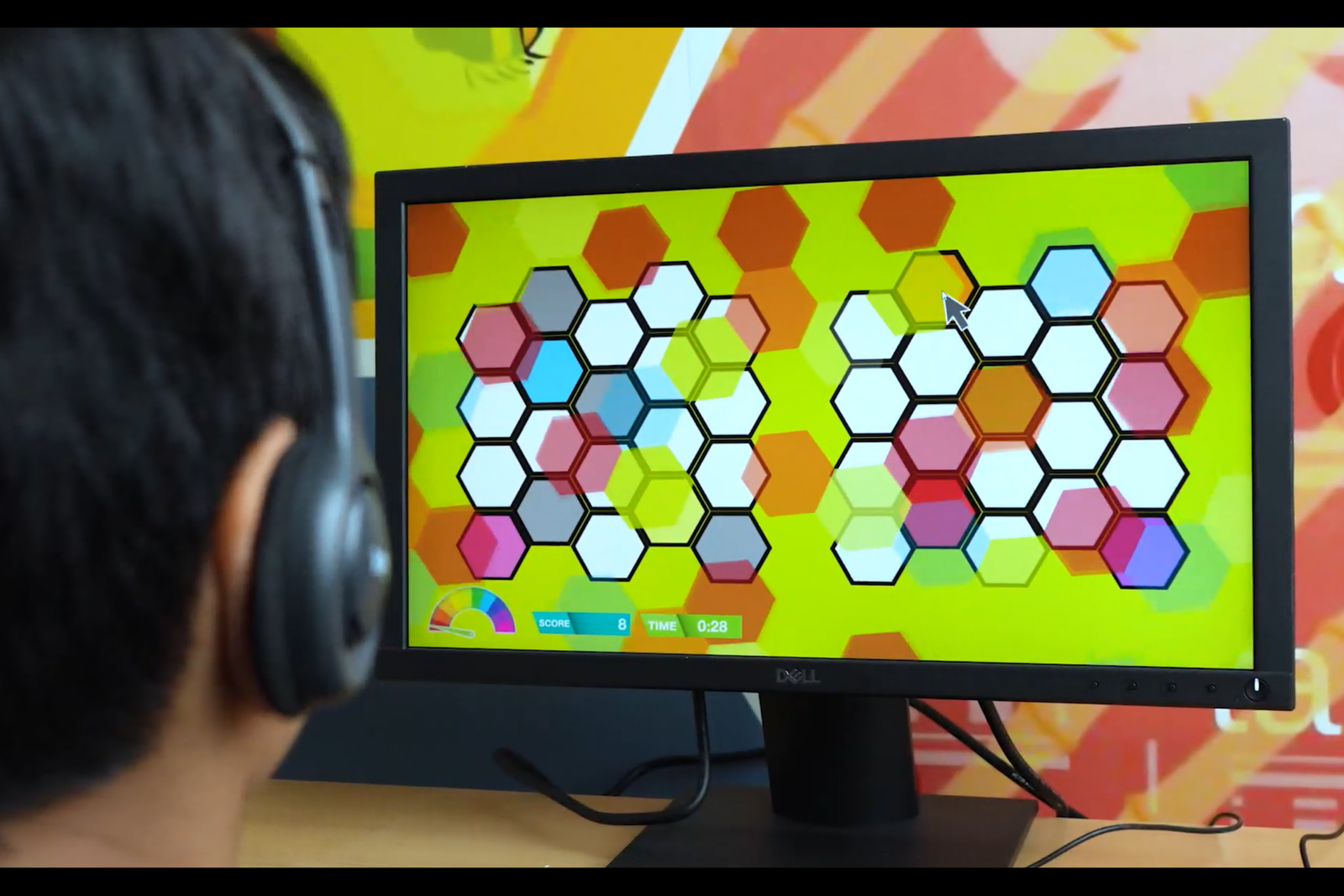
A person using headphones while completing a colourful ReadON cognitive activity on a computer
From first conversation to next steps

The people make it personal.

01

Talk

Share your goals and current support. Ask about suitability, delivery and fees.

02

Prepare

Agree a starting baseline, the schedule, consent and who will guide the activities.

03

Participate

Follow the programme with the agreed supervision and keep the progress record.

04

Review

Discuss observations against the baseline and agree what comes next.

A practical setup

Ready for guided participation.

ReadON training uses a desktop or laptop, a mouse, keyboard, over-ear headphones and a reliable internet connection. A 15-inch or larger screen is preferred.

Plan for an involved adult or professional, a comfortable setting and time to complete the agreed programme. Ask the team to check your equipment before starting.

Check suitability first

The programme guidance says ReadON is not recommended for children under four or anyone with epilepsy or a history of seizures.

Discuss health conditions and any concerns with a qualified professional. Request the full programme and safety guidance before enrolment.

Read the setup FAQs ↗

A clearer next step starts here.

Tell us who you’re supporting. We’ll help you explore the right ReadON pathway.

Talk to our team